It depends on where you are and what you receive. A virtual mailbox is usually better if you travel, work remotely, or want to read mail online and receive packages from any carrier. A PO box is usually better if you live near a post office, get little mail, and want a simple, low-cost setup.
How Each One Works
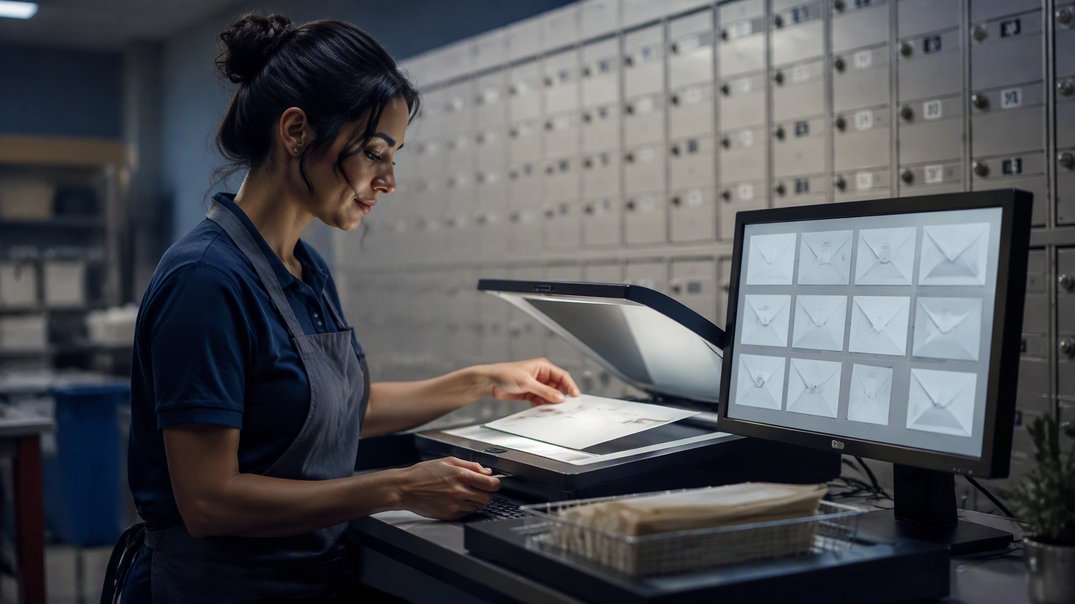
A PO box is a locked box inside a post office. You rent it for a set term and pick up your mail in person. USPS says boxes are rented for 3, 6, or 12 months, in five sizes depending on availability, and you must bring two forms of acceptable ID to the Post Office. A virtual mailbox uses a private business with a street address. Staff receive your mail, scan the outside, and let you choose what happens next, such as opening, forwarding, or shredding it. You sign up for it with PS Form 1583 and two IDs, as USPS explains for private mailbox customers.
Access: In Person or Online
This is the biggest difference. A PO box ties you to a location. You must visit the post office, and you cannot check mail from another city. A virtual mailbox lets you see your mail on a phone or laptop from anywhere, which suits frequent travelers and remote teams. If you pass your post office daily, that tradeoff may not matter. If you rarely do, online access can save you trips and let you react quickly to checks, notices, and bills.
Packages and Carriers
Packages can decide the choice. A PO box can receive USPS deliveries, and larger packages trigger a slip so you can collect them at the counter. USPS also offers a service called street addressing, which lets you get a delivery address for packages from other carriers, including FedEx and UPS, subject to availability and restrictions. Without it, many private carriers need a street address. A virtual mailbox has a street address from the start, so it can accept packages from most carriers, though some providers charge handling fees. Ask about package size limits and storage time.
Address Rules and Appearance
A PO box address looks like a PO box, and some forms reject it. Colorado, for example, says a post office box is not allowed for an LLC’s principal office, according to its filing instructions. A virtual mailbox looks like a street address with a PMB or # designator, but it is also a mailbox, and registered agent or bank requirements may still call for a physical location. Neither one replaces a real office where the law requires one. For mailing addresses, both can work, and the FTC accepts either in marketing email.

Cost and Extra Services
A PO box is typically the lower-cost choice, and prices vary by location and size. Virtual mailboxes tend to cost more, because you are paying for scanning, storage, forwarding, and sometimes check deposit. Fees for those extras differ by provider, so read plan details carefully. If you use only basic mail receiving and live close to a post office, a PO box can be the better value. If online features would save you time or let you travel without worry about mail, the added cost may pay for itself.
Which One Fits Your Situation
Match the tool to your habits:
- Choose a PO box if you live near a post office and receive mostly letters.
- Choose a virtual mailbox if you travel, move often, or work remotely.
- Choose a virtual mailbox if you need packages from several carriers.
- Choose a PO box if you want the simplest, lowest-cost option.
- Consider both if you want a local box and an online address.
Virtual Mailbox vs. PO Box: Quick Answers
Can I Receive FedEx and UPS Packages at a PO Box?
Not directly in most cases. USPS offers street addressing at some locations, which can allow other carriers to deliver, but availability and restrictions apply.
Is a Virtual Mailbox More Expensive?
Usually, yes. You pay for online access, scanning, and forwarding. Prices vary by provider, so compare plans against how many items you actually receive.
Can I Use Both at the Same Time?
Yes. Some owners keep a PO box for local mail and a virtual mailbox for online access, though each adds a cost. Make sure your records use consistent addresses.